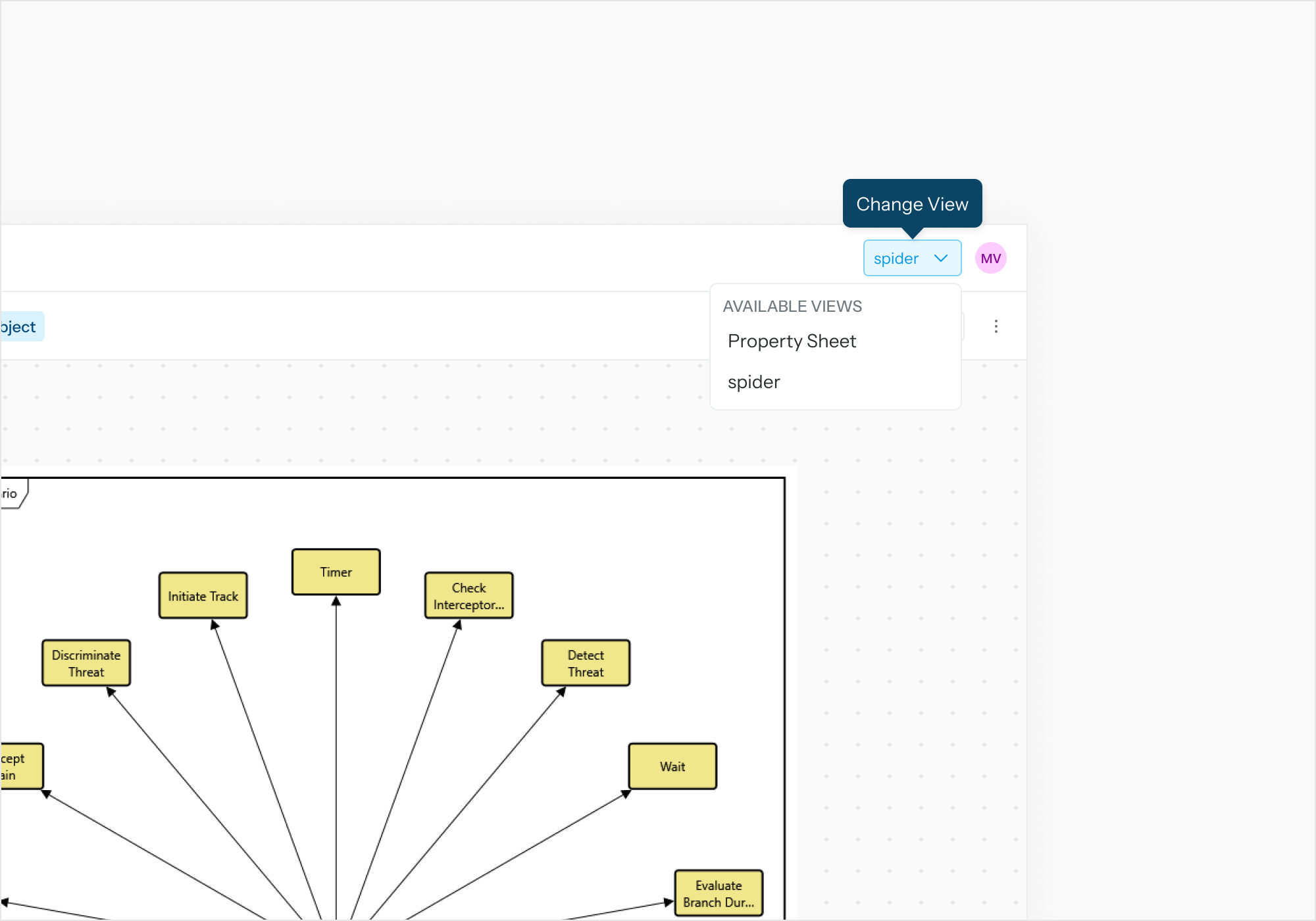

The diagram (entity-centric view) as a Review Object can be inspected, panned, and scaled in the Review Object viewer of Task Execution page.
Additional Features:
-
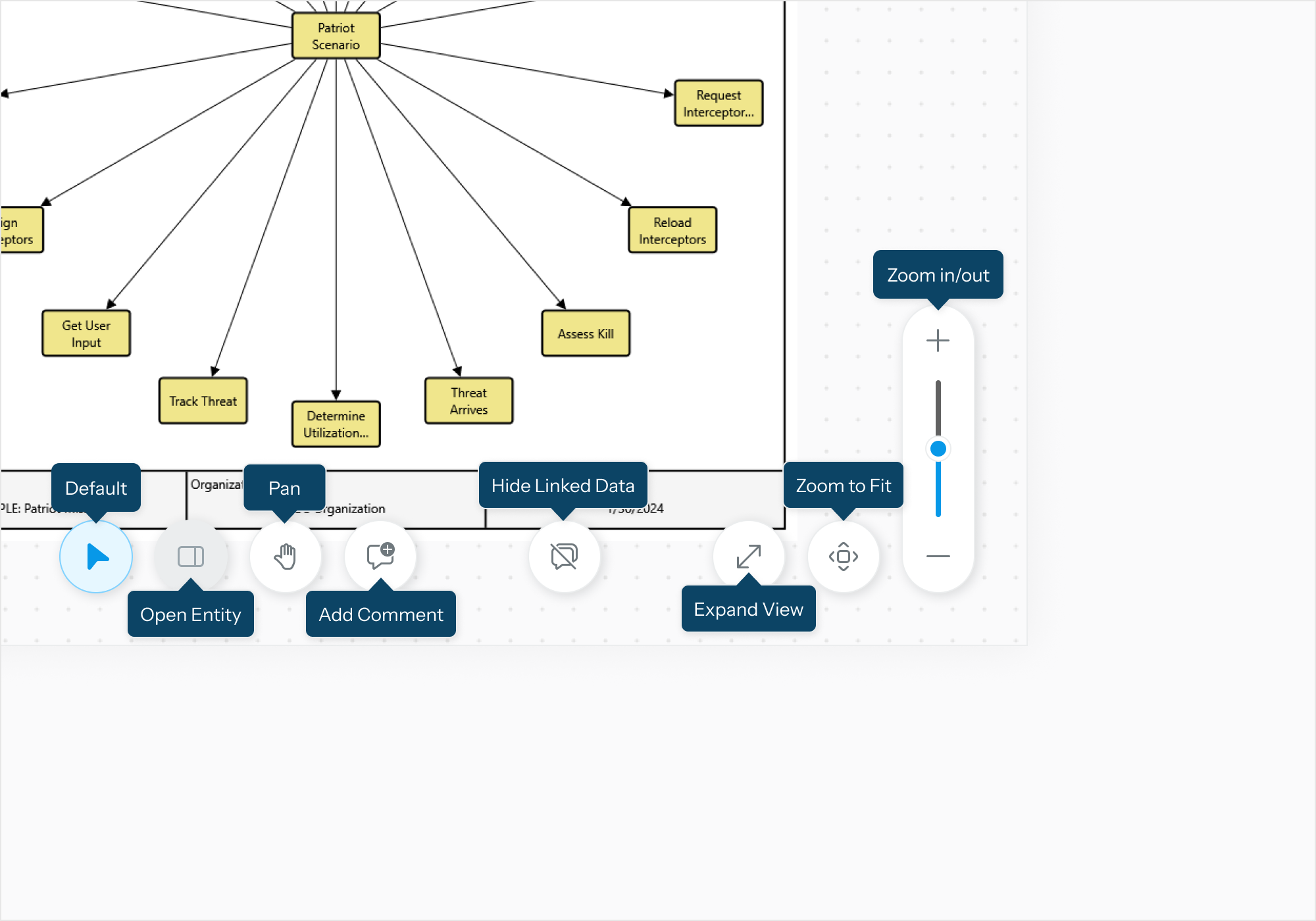
Open Entity: The ability to view alternate Views and Property Sheet related to the Diagram without leaving the Task Execution Page.
-
Add Comment: Use a cursor to select which node you want to comment on.
-
Hide Linked Data: A Linked node is signaled with a blue border, hide those borders to take a better look at the diagram.
Click on View Selector to switch between diagram view and properties view.